Tools & features
Map
The map or secondary view is a easy way to move to around your site.
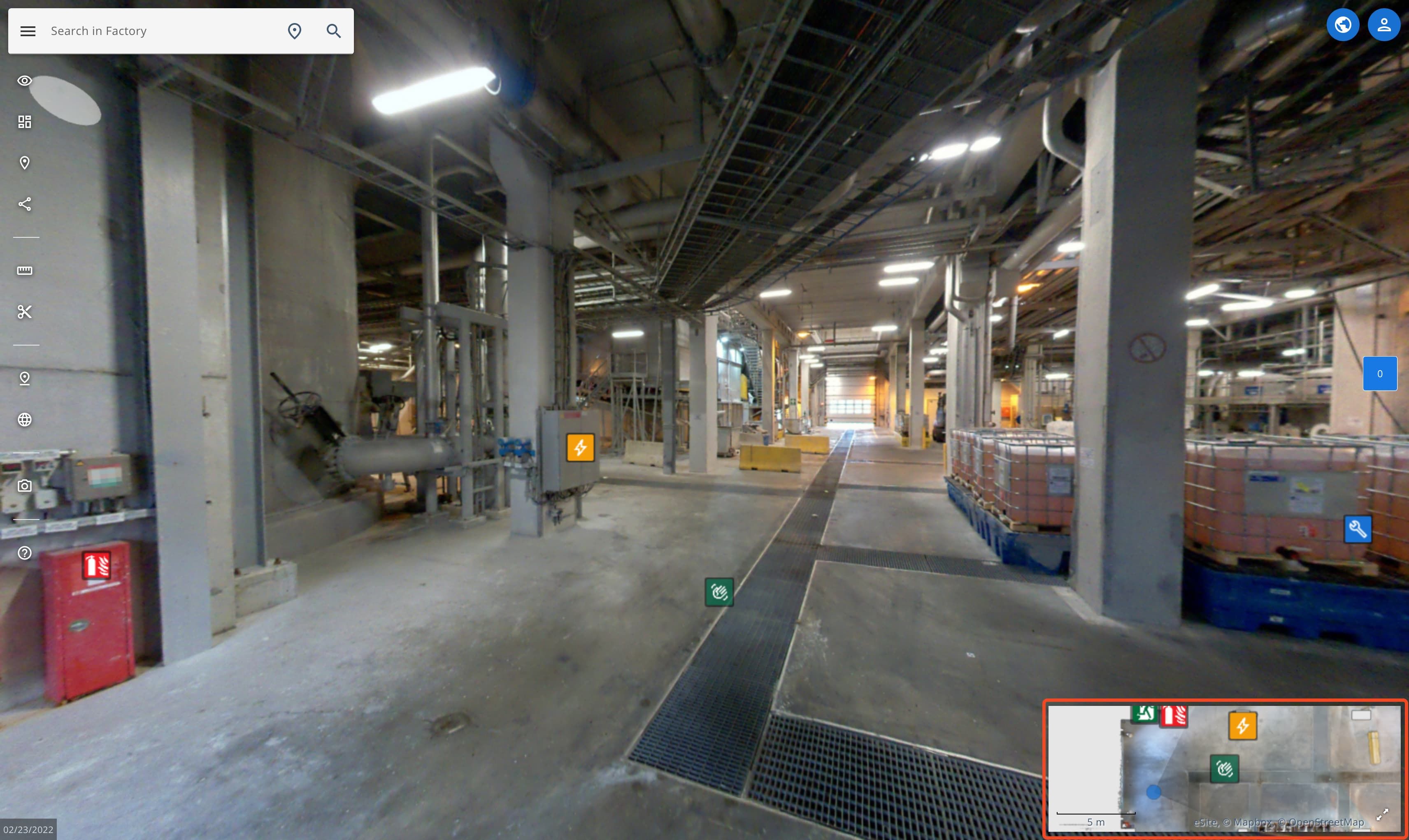
Using the map
Hover over the map to move, zoom, see POIs and selecting location markers. You can make the map as the primary view by clicking the icon on the right corner.
Map layers
You can view additional information with map layers. You can access map layers with the layers button.
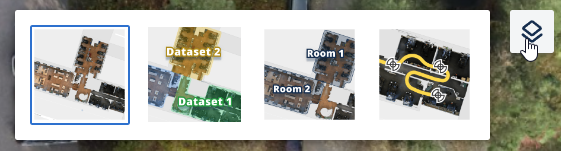
Map layers explained
- Standard | Standard coloured maps
- Datasets | Colours different datasets with different coloured overlays. Easy way to check dataset coverage.
- Site entities | If your site has rooms or buildings setup in site model, they will show up here.
- Scan data | See the scanning trajectory.
Features
Find basic information about all of the features available in eSiteview.
Point Of Interests (POI)
Point of interests also known as POIs are a way to add and share information about locations. You can add information and attachments like images, PDF-documents or even embed webpages inside POIs.