Basics
Navigating in a site
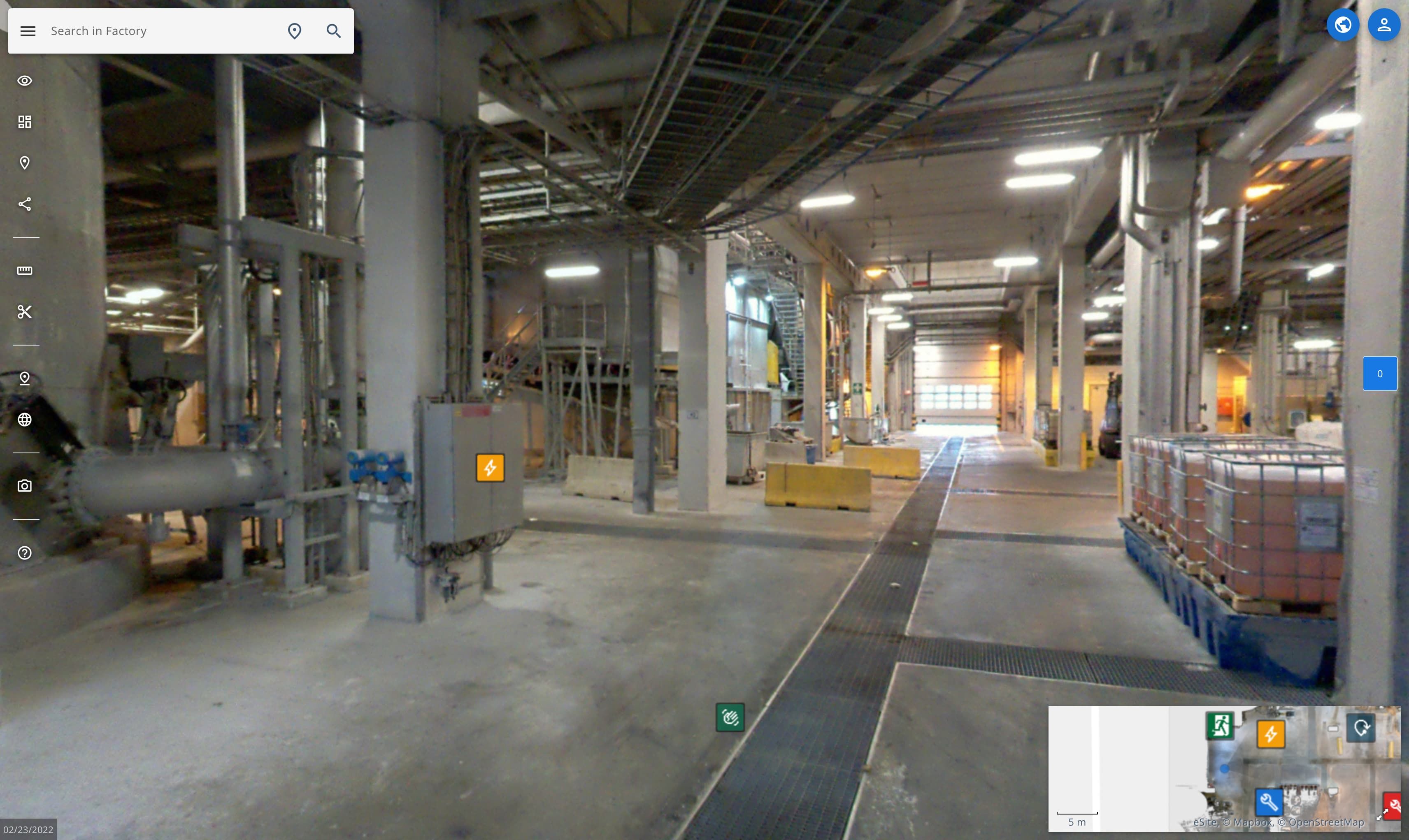
Welcome to your site. This is where you can explore, make POIs, measure etc. Let's go thru all the basic movement controls.
Movement
Rotating the view
- To rotate the main view, hold down the left mouse button and drag the mouse to the desired direction.
- Zoom with the mouse wheel.
Moving from picture to picture
To move around you can use multiple methods:
- Double click the direction you want to move
- Click on the white location markers on the ground. To see the location markers, left click once anywhere on the panorama view.
- Click on the white location markers from the map
You can also use arrow keys to move and roate. Up/Down to move forwards/backwards and left/right to rotate view.
Learn more about the map
Moving between floors
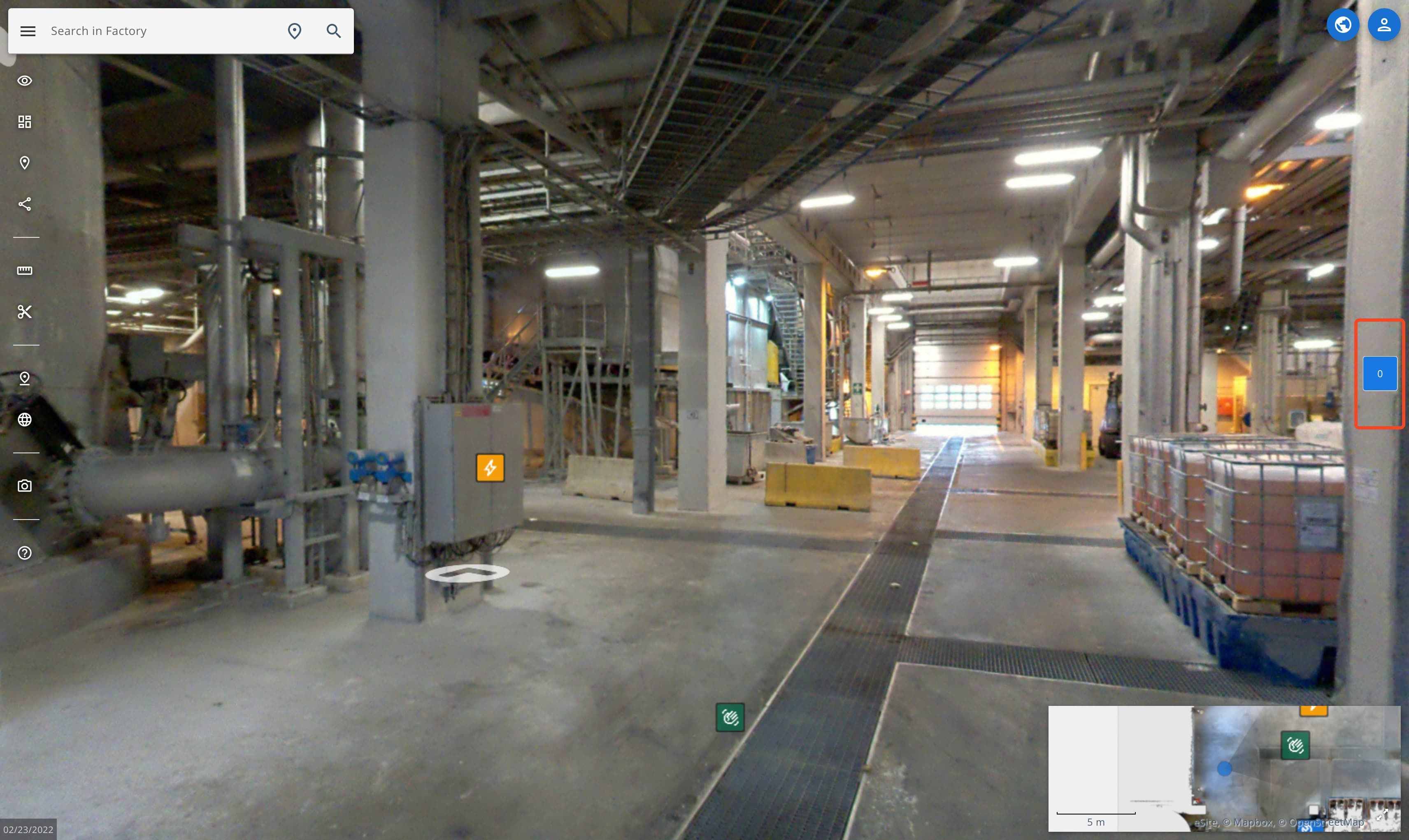
- To change the floor, use the floor selector found on the right side of the window.
Moving in point cloud
To move around in the point cloud you can use the same mouse controls as with panoramas, or you can use the flying controls.
Flying controls
| Key | Action |
|---|---|
| W | Fly forward |
| A | Fly left |
| S | Fly backward |
| D | Fly right |
| Q | Fly upwards |
| E | Fly downwards |
| Shift + any | Fast flight |
Look around with same mouse controls as with panormas.
Read more about point cloud view.
Return to the dashboard
To get back to the dashboard (if you have multiple sites):
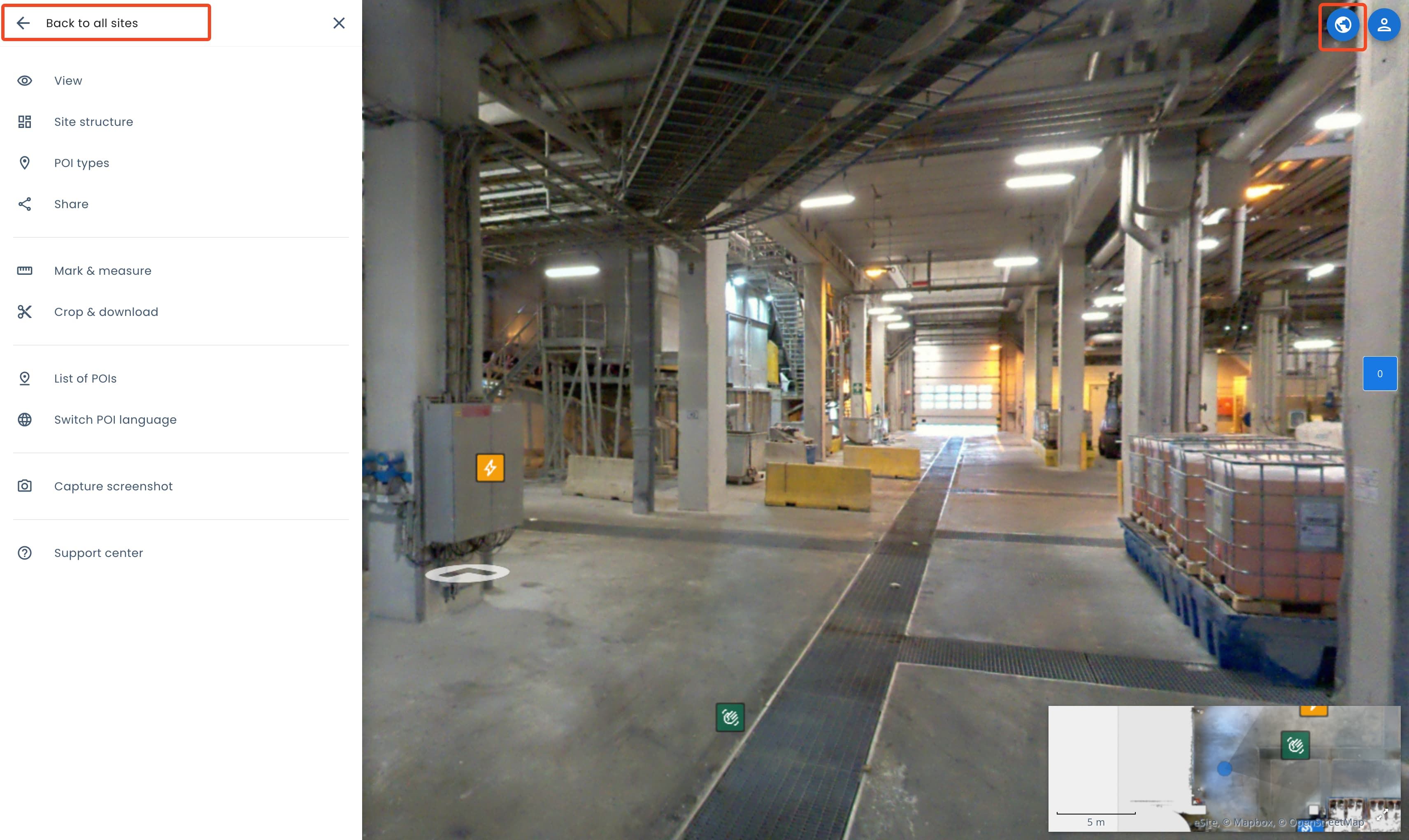
- Open the sidebar menu and click on Back to all sites.
- Click on the globe icon.